Offline gallery & photo editor for Android
Your memories,
beautifully yours.
A fast, elegant gallery for the photos and videos already on your phone. Browse, edit and create — all on your device, never in the cloud.
- no ads
- Free
- no ads
- collage layouts
- 31
- collage layouts
- languages
- 24
- languages
Inside the app
Designed to feel effortless.
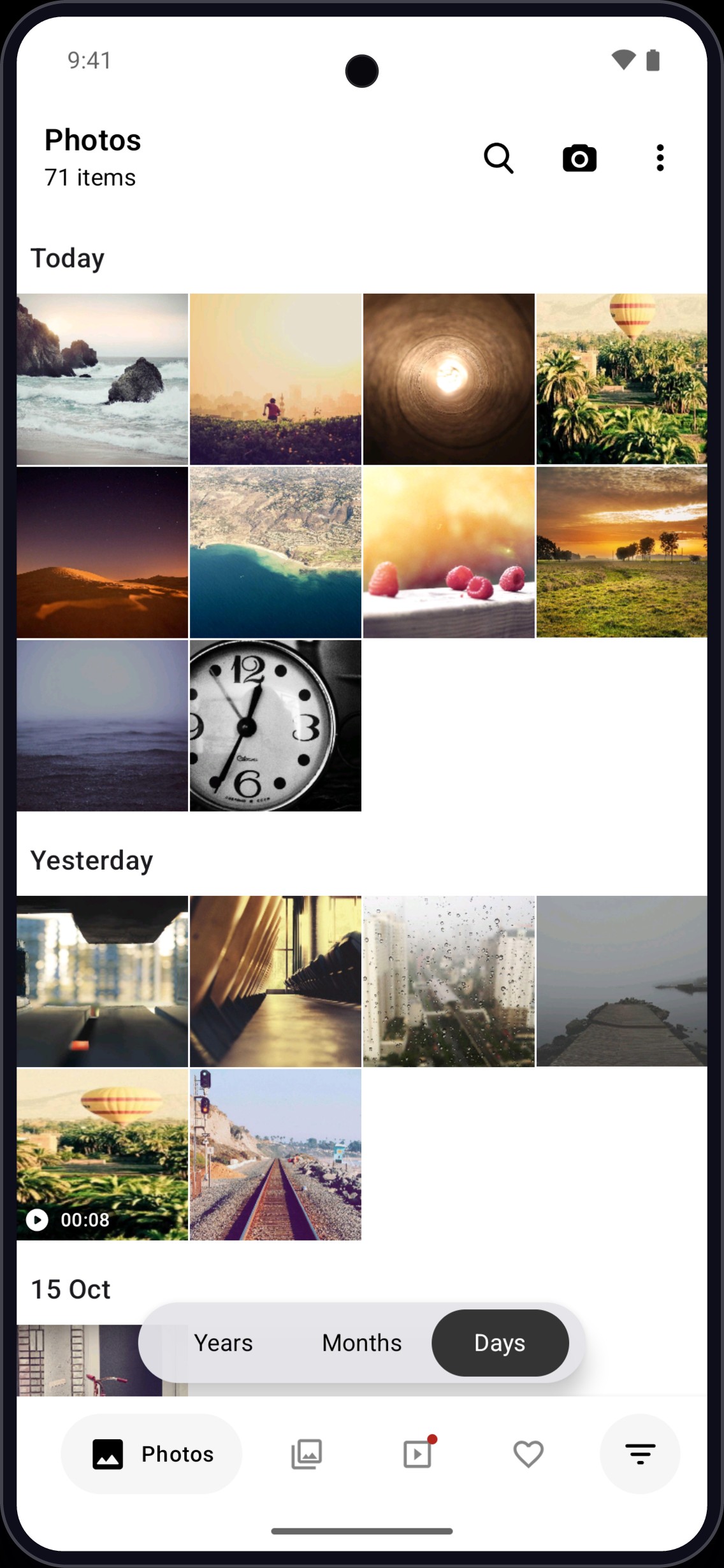
Fast, offline gallery
Every photo and video on your phone, by day
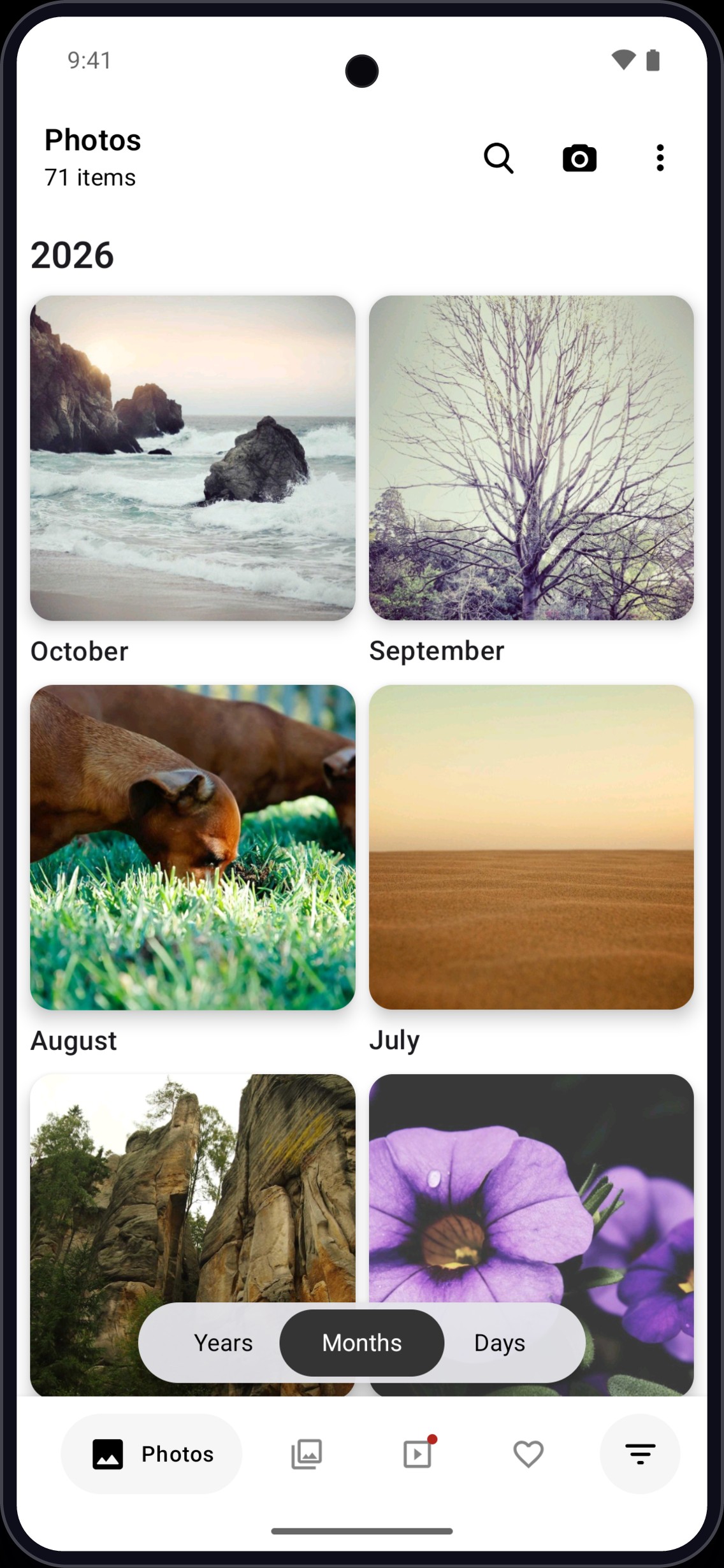
Jump to any month
Live previews of each month at a glance
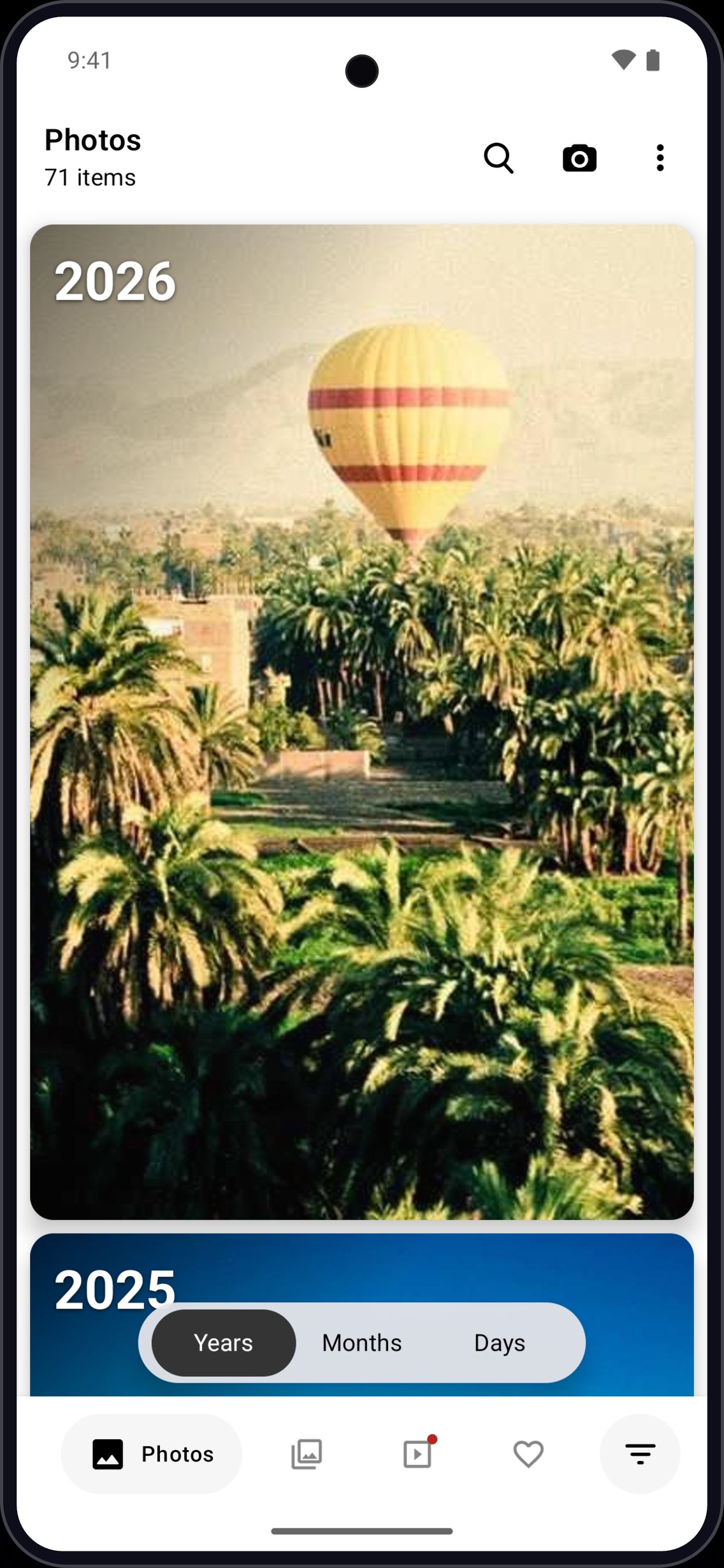
Relive every year
Your highlights, year by year
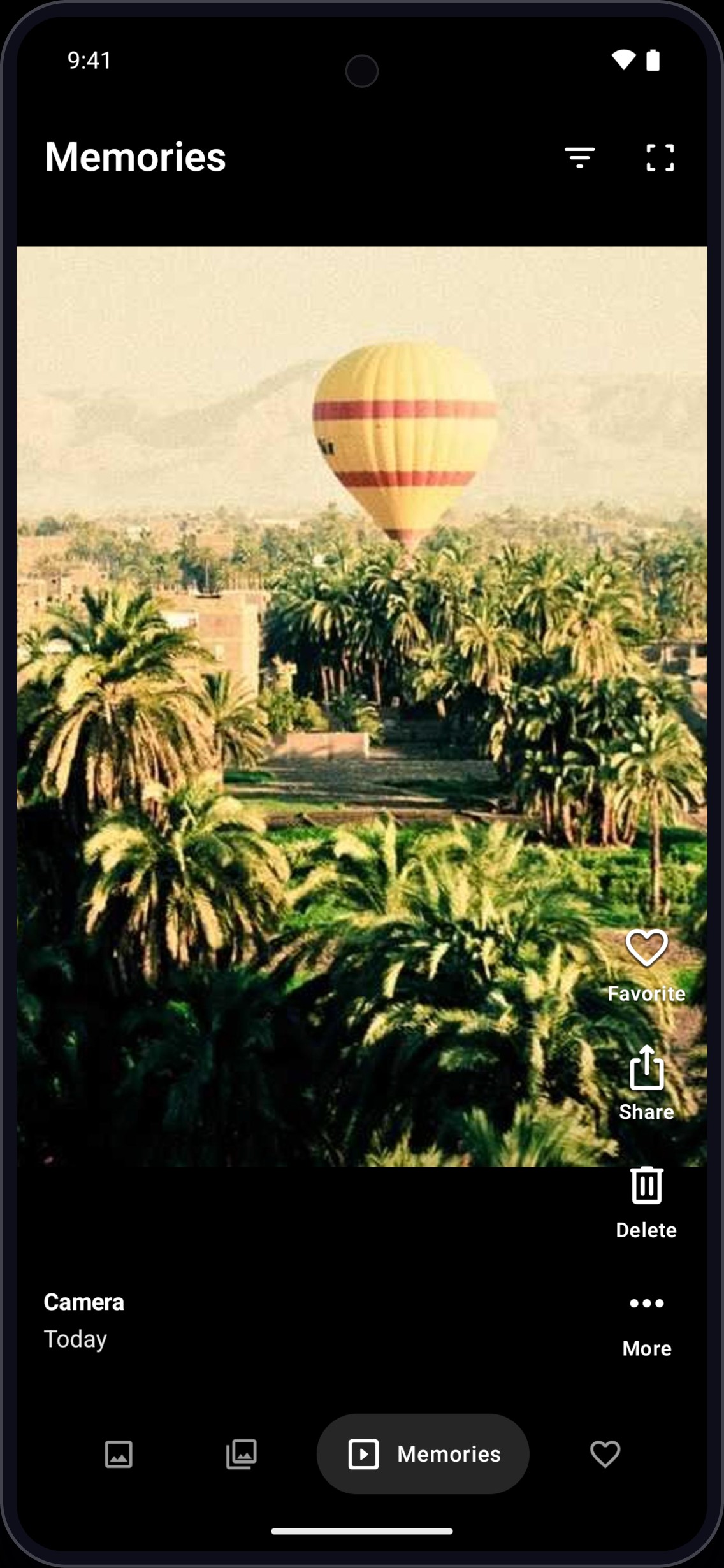
Memories, full screen
Your own photos, in a fresh order every time
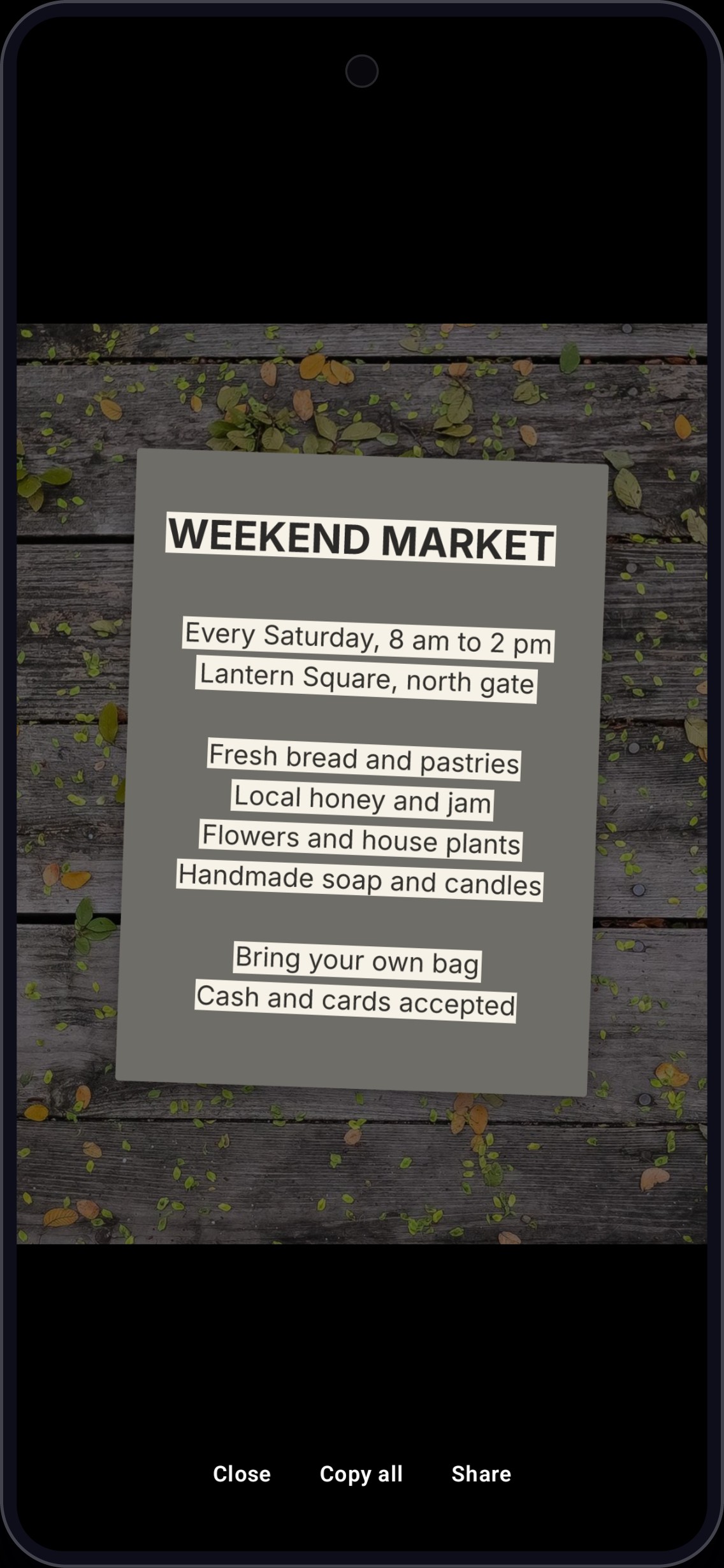
Copy text from photos
Select, copy or share text right on the photo
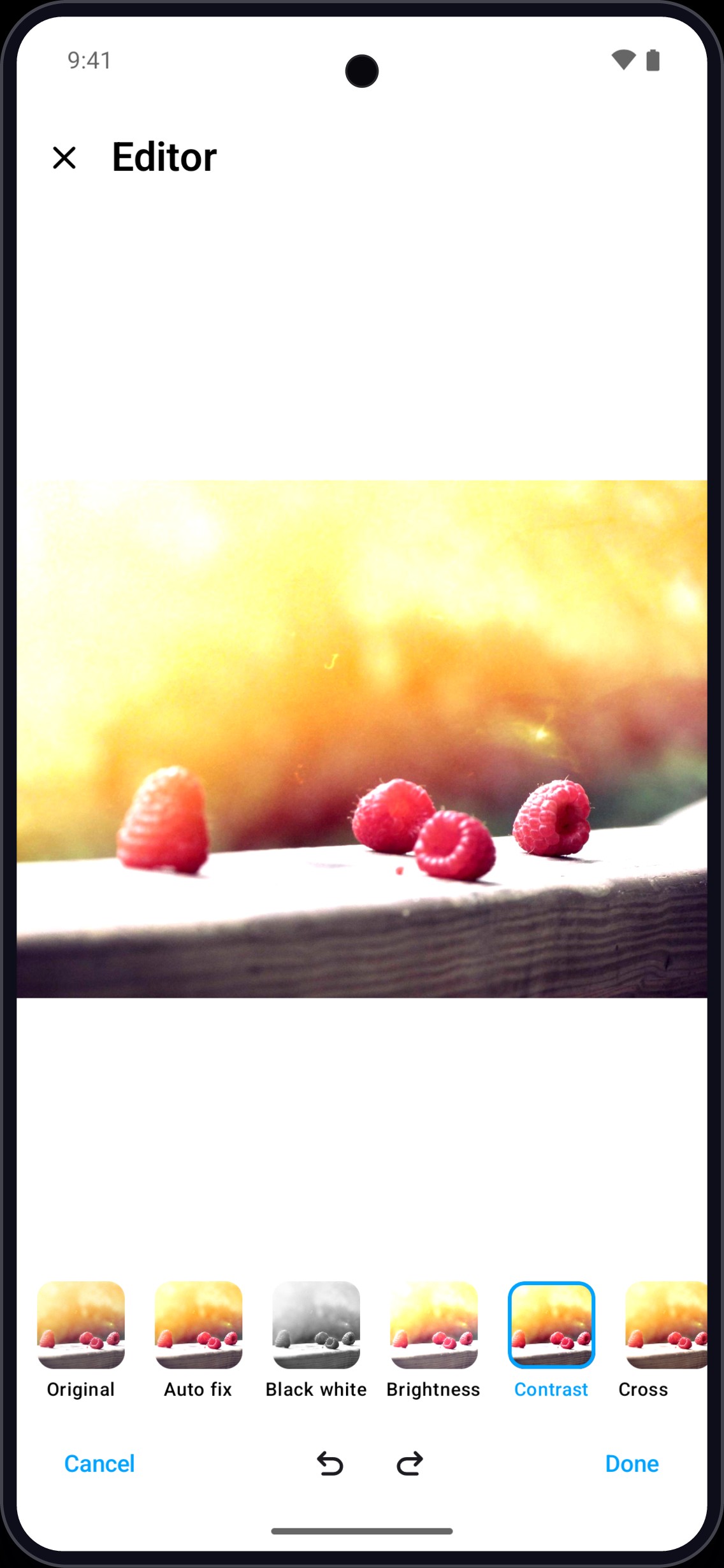
Edit in a tap
Crop, adjust, filters, draw, text and emoji
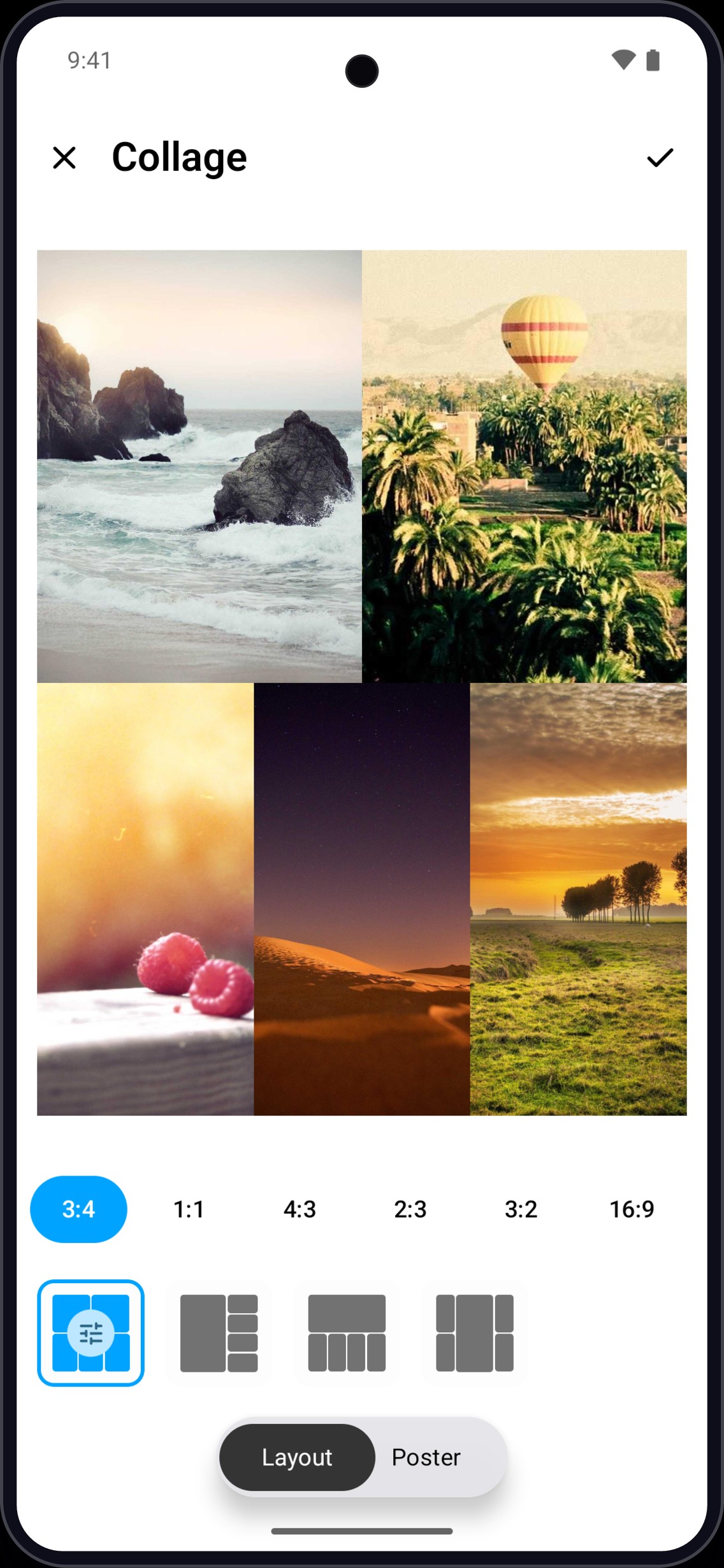
Collages in seconds
2–9 photos in 31 layouts, or free-form poster
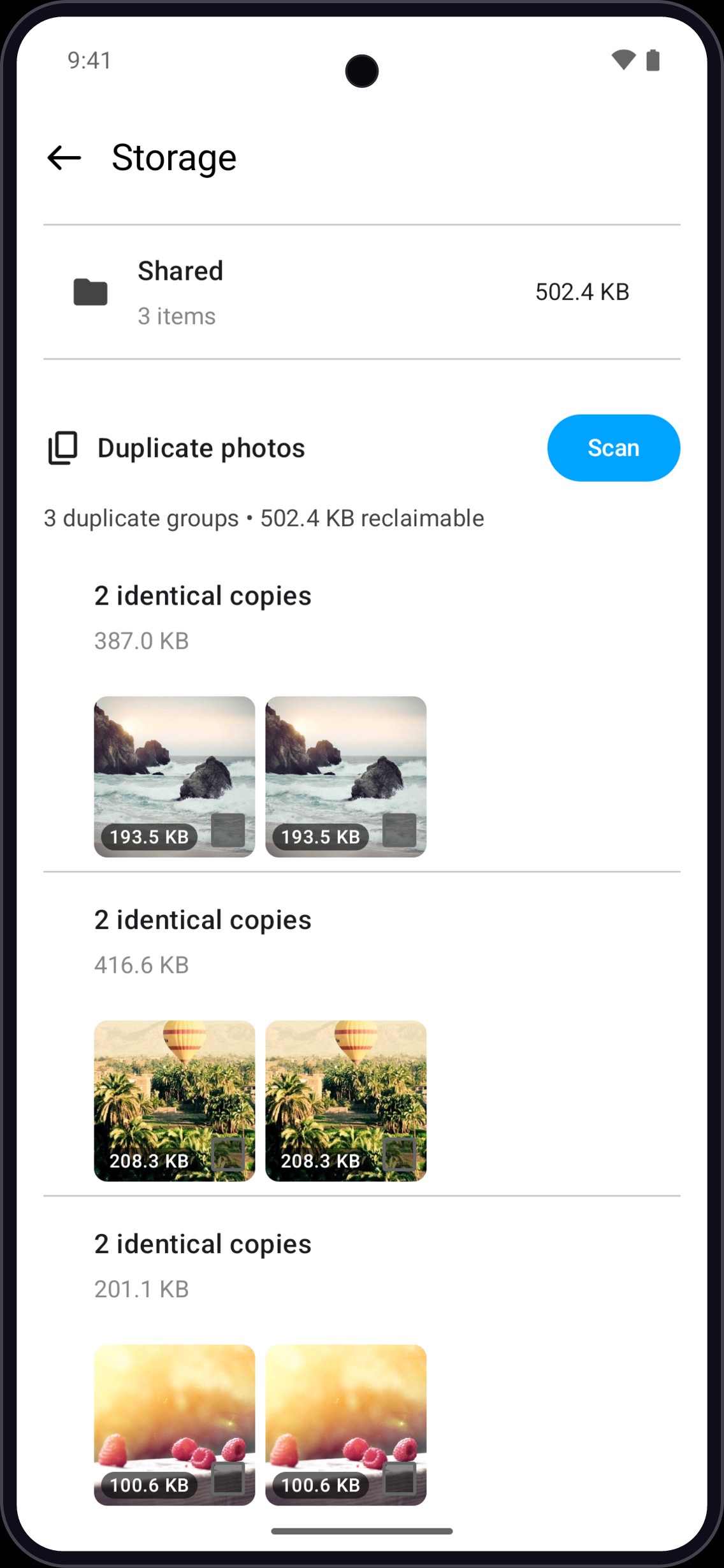
Free up space
Find exact duplicate photos and videos
Browse
Your whole library, beautifully organised.
A timeline grouped by day, with Years and Months views that play your videos and highlights as you scroll.
- Albums with pinned favourites you can drag to reorder
- Custom album covers and home-screen shortcuts
- Filter to photos, videos, favourites or your own creations
- Search by file or album name, in one album or across all
View & play
Every shot, at its very best.
Pinch to zoom, swipe between photos, and get more out of everything you capture.
- Motion photos play in the viewer and save as video
- HDR photos and videos at full brightness on supported screens
- Select text: copy or share text straight from a photo
- Video player with speed, subtitles, audio tracks and picture-in-picture
Edit & create
A creative studio, built right in.
Touch up a photo or make something new, without reaching for another app.
- Photo editor: crop, light and colour, filters, draw, text and emoji
- Collage maker: 2–9 photos in 31 layouts, plus free-form poster mode
- GIF maker from photos or a video clip, and a video trimmer
- PDF maker with page filters, straightening and reordering
Keep things tidy
Reclaim space, effortlessly.
See what takes space and clean up in a few taps, with a trash to undo any mistake.
- Storage analyser with exact duplicate finder
- Trash with restore on every supported Android version
- Auto-expire old screenshots to the trash
- Copy, move, share and delete many items at once
And more
Thoughtful details, everywhere.
Photo widgets
Bring your favourite moments to the home screen, rotating every 15 minutes to 24 hours.
Subject lift
Long-press any photo to lift the subject right out of the background.
Save video frames
Grab any frame from a video as a photo.
Cast to your TV
Photos and videos on the big screen, over your own Wi-Fi.
Wallpapers
Set any photo as home or lock screen wallpaper.
24 languages
Switch language inside the app, independent of your phone.
Lite mode
A lighter animation mode keeps older phones smooth.
On-device labels
Optional photo labelling groups photos by what they show.
Your photos never
leave your phone.
No accounts. No cloud sync. No ads. Your photos, albums, searches and edits stay on your device, and AI features run right there too.
No uploads
Media is read and edited locally
No accounts
Nothing to sign up for
No ads
No ads, no in-app purchases
On-device AI
Labels, text and subjects found locally
The app collects crash reports, usage statistics and device identifiers to fix bugs and understand how it is used. Read the privacy policy
FAQ
Questions, answered.
Is GV Photos free?
Yes. GV Photos is free, with no ads and no in-app purchases.
Do my photos get uploaded anywhere?
No. Your photos and videos never leave your device. GV Photos works with the media already on your phone and has no cloud sync or accounts.
Does it collect any data?
The app collects crash reports, usage statistics and device identifiers to fix bugs and understand how it is used. These are not linked to your name or any account. The privacy policy has the full details.
Do the AI features work offline?
Yes. Photo labelling, subject lift and text selection all run on your device. Subject lift and text selection are optional downloads from Google Play the first time you use them, on supported devices.
Can I replace my phone's default gallery with it?
Yes. GV Photos opens your photos and videos from other apps, and you can pick it as the default for viewing media.
Which languages are supported?
24 languages, switchable inside the app.
Still curious? Get in touch

Give your photos
the home they deserve.
Free on Google Play. No ads, no sign-up, no cloud.